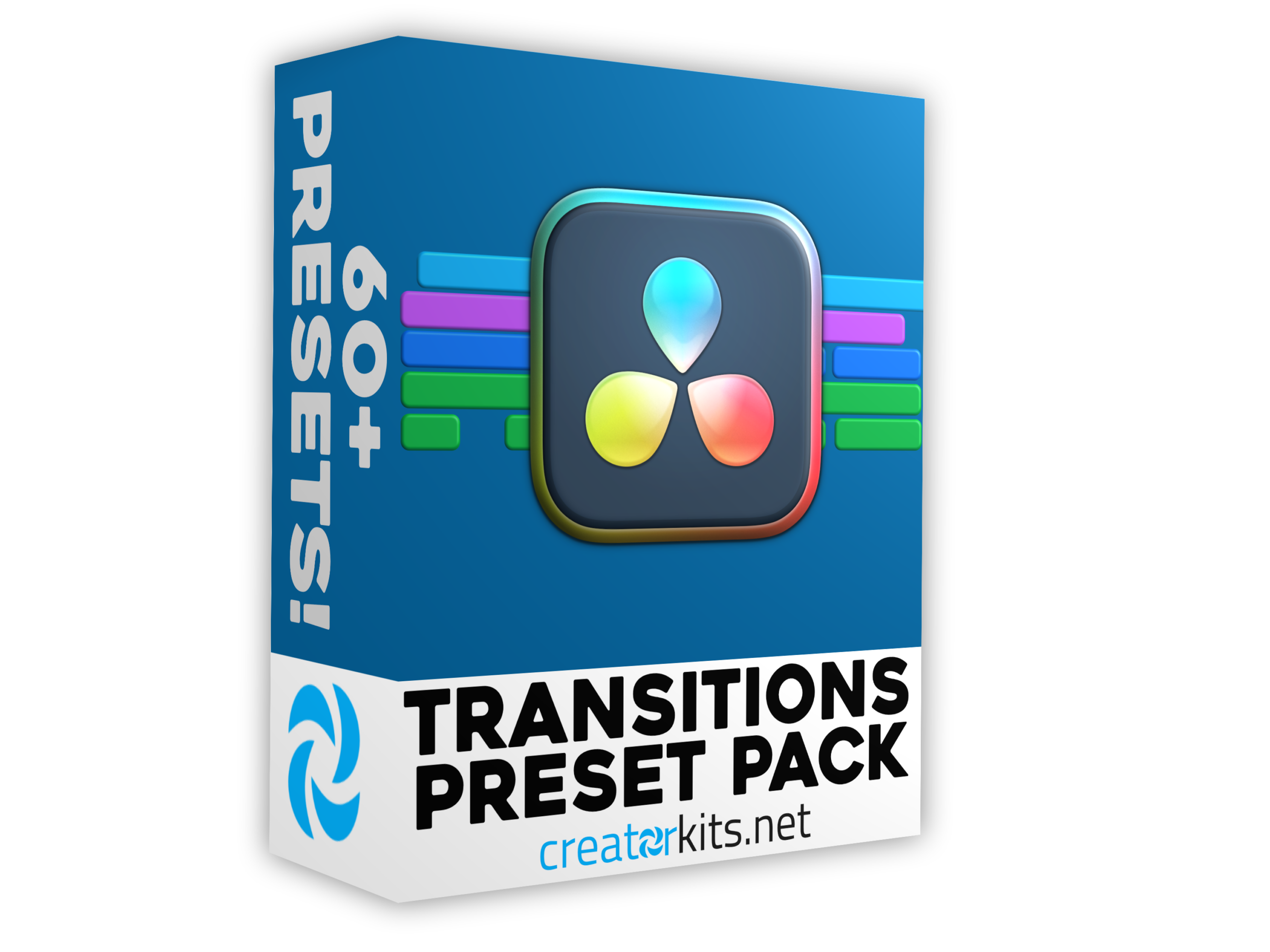
Transitions Preset Pack for DaVinci Resolve
Take your videos to the next level with this transition preset pack for DaVinci Resolve. We've included over 60 different transition types that'll keep your content flowing smoothly. These transitions are perfect for storytelling & helping you move between scenes in a way that actually enhances your narrative instead of distracting from it. Everything's designed exclusively for DaVinci Resolve, so you know they'll work perfectly in your projects.
What makes this pack stand out is the variety. You're getting 60+ unique transitions, which means you've got options for every type of video you're making. Whether you need something subtle for a gameplay commentary or something bold for montages and highlight reels, it's all here. The drag-and-drop functionality keeps things simple, so you're not wasting time trying to figure out how to use them. Just drop them between your clips and you're done. Each transition is customizable too, so you can adjust the timing and style to match your editing pace.
Your instant download comes with detailed instructions to get you started right away. Perfect for content creators and video editors who want their videos to flow seamlessly from one shot to the next. Thank you for choosing our presets. Happy editing!
What's Included?
How To Install:
- Download your presets from your confirmation email (they will be in a .zip file), and save them to a location convenient for you to access.
- Go to the location where you have saved the .zip file and unzip the folder.
- Once in the folder, find the .DRFX file and double click on it, Then wait for DaVinci Resolve to load.
- Once DaVinci Resolve has opened, there will be a prompt saying "Install", Click on the install button and wait a couple of seconds.
- Then your presets should be installed. If this does not work, go into the Fusion page in DaVinci and drag the.DRFX file onto the top left panel.