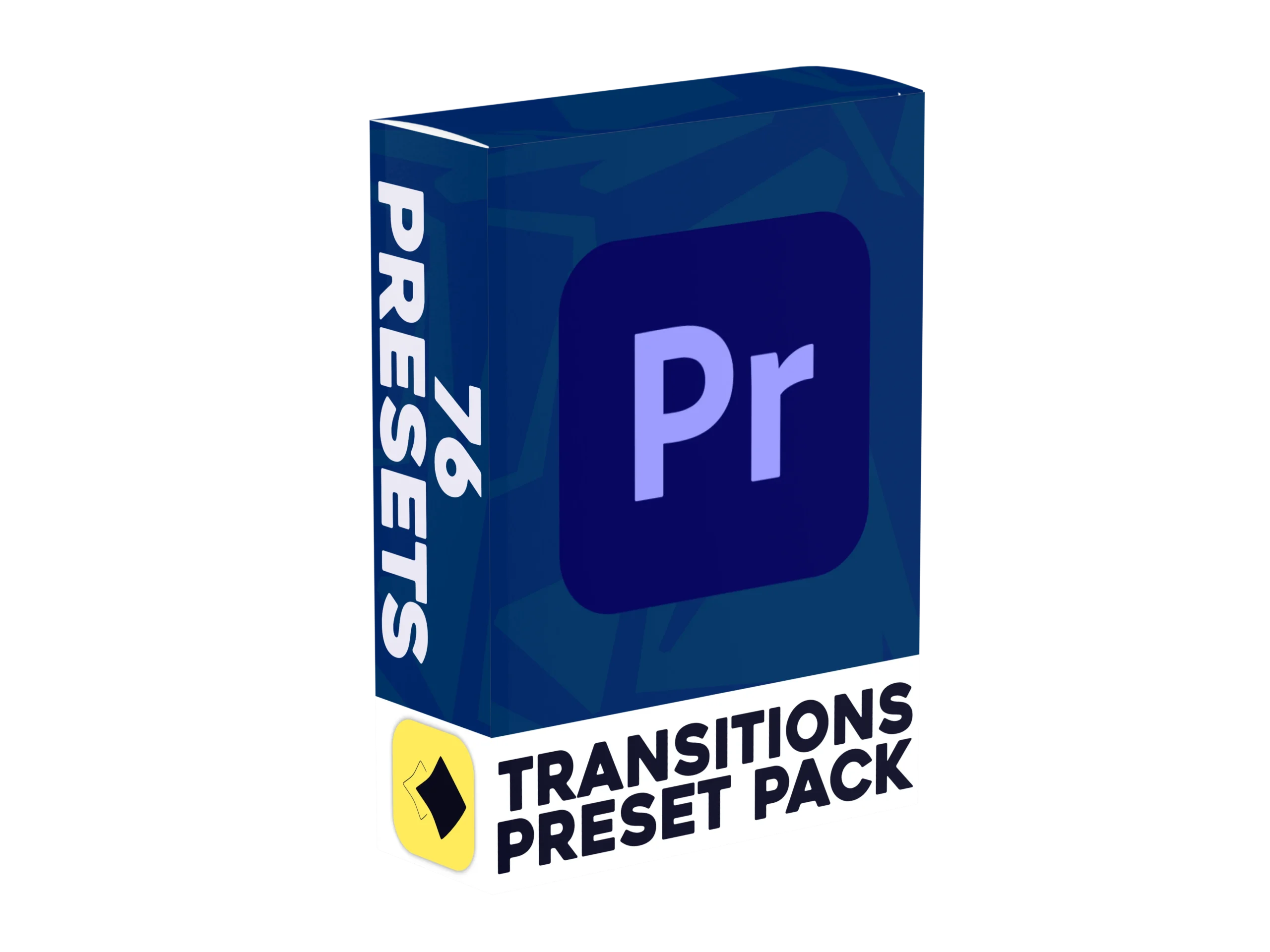
Transitions Preset Pack for Premiere Pro
76 Premiere Pro Transition Presets to help you edit faster
Our Premiere Pro Transitions help you move between clips smoothly without building each one by hand. This Transitions Preset Pack includes 76 Premiere Pro presets, covering basic slides and zooms, rotations, pans and slices. On top of that you get skew, glow, turbulent and shake versions of the main transitions, so you can go from clean and simple to full on energy depending on the edit. Everything is made for Premiere Pro, so it slots into your timeline straight away.
Watch the video to learn how to import the pack, then open your Effects panel, find the folder and drag & drop a transition between two clips. There are no complicated menus and no building transitions from scratch, which saves time on every edit. Whether you make YouTube videos or client work, this Premiere Pro Transitions Pack suits every creator's needs.
(A)
How To Install
(p)
Some of our presets
01
Basic
10 Different base transitions that are widely used and the most common
04
Glow
12 Different glow based transitions including rotations and slides for every part of your screen
07
Pan
8 Different pan based transitions including slides for every part of your screen
02
Rotations
6 Different rotation based transitions, ranging from 360 to 90 degree rotations
05
Turbulent
12 Different turbulent based transitions including rotations and slides for every part of your screen
08
Slice
4 Different slice based transitions for cutting through your screen at an angle, vertically or horizontally
03
Skew
12 Different skew based transitions including rotations and slides for every part of your screen
06
Shakes
12 Different shake based transitions including rotations and slides for every part of your screen
09
Zooms
Almost all of our presets also include zoom variations to help keep your video feeling frash
Built for Premiere Pro
76 Presets, One Pack. Nothing to remake.
Transitions keep your cuts smooth and your viewers watching. Eight styles give you a fit for any mood.
TOTAL PRESETS
76
SOFTWARE
Premiere Pro
FILETYPE
.PRFPSET
UPDATES
Lifetime
SUPPORT
Lifetime
Instant dowload
(E)
Before you buy
Everything people ask us before purchasing our products