Essentials Preset Pack for Premiere Pro
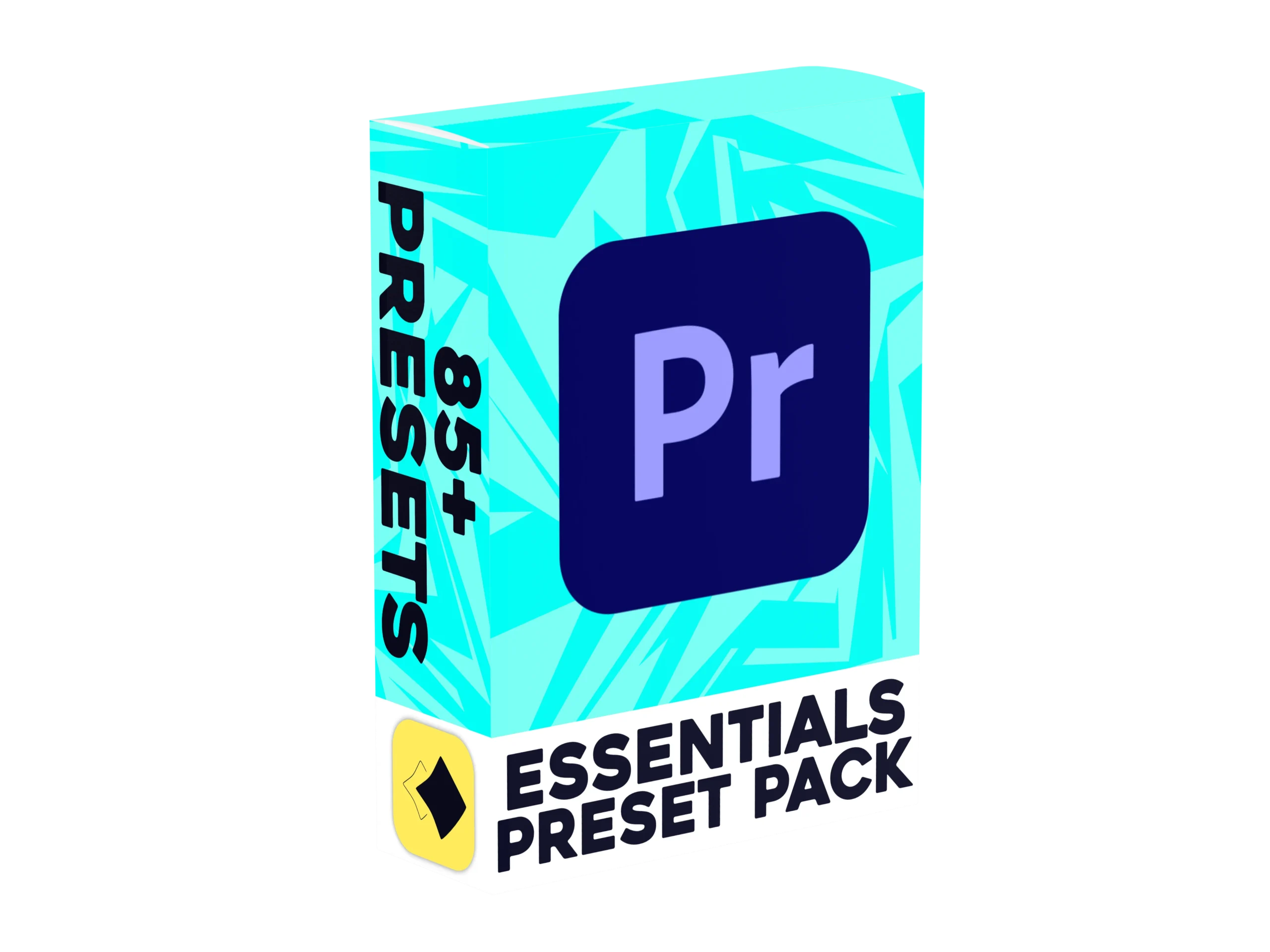
85+ Premiere Pro Essential Presets to help you edit faster
Our Premiere Pro Essential Presets give you the effects you reach for most in one tidy pack. This Essentials Pack includes 85 Premiere Pro presets covering zooms, slides, crops, text animations, transitions and video effects, so your edits look polished without the extra work. You also get handy tools like motion blur transforms, drop shadows and green and blue screen keys, plus screen and camera effects such as blurs, strokes, wobbles, letterbox bars, vignettes, lens flares and spotlights. Everything is designed for Premiere Pro and works right after you import it.
Watch the video to learn how to bring the pack into Premiere Pro, then find the folder in your Effects panel and drag & drop what you need onto your timeline. There are no complicated menus and no creating effects from scratch, which saves you hours on every project. Whether you cut YouTube videos or client work, this Premiere Pro Essentials Pack fits every creator's needs.
(A)
How To Install
(p)
Some of our features
01
Slide Ins
5 Different slides built for quickly showcasing whatever you'd need to on screen.
04
Crop Outs
4 Diffrent crop outs for removing certain infomation off screen, Perfect for most use cases
07
Zoom Outs
9 Different zoom outs solely built to keep your zooms smooth. Perfect for zooming out of a zoom in.
02
Slide Outs
5 Different slides built for quickly taking off whatever you're showcasing to keep the video flowing.
05
Text Presets
12 Different text presets so your subtitles dont look repetitive. All with unique animations
08
Video FX
21 Different presets covering 2 catagories, Perfect for giving your video that bit extra flare.
03
Crop Ins
4 Different crop ins for displaying certain infomation, Perfect when paired with our text presets.
06
Zoom Ins
9 Different zoom ins built for emphising certain parts of the screen.
09
QOL Improvements
Our QOL improvements remove the need for fusion & adjustment clips. Everything can stay on 1 timeline.
Built for Premiere Pro
85+ Presets, One Pack. Nothing to remake.
Most edits need a bit of everything, and this pack keeps it all in one place. You will spend less time hunting for assets and more time editing.
TOTAL PRESETS
85+
SOFTWARE
Premiere Pro
FILETYPE
.PRFPSET
UPDATES
Lifetime
SUPPORT
Lifetime
Instant dowload
(E)
Before you buy
Everything people ask us before purchasing our products