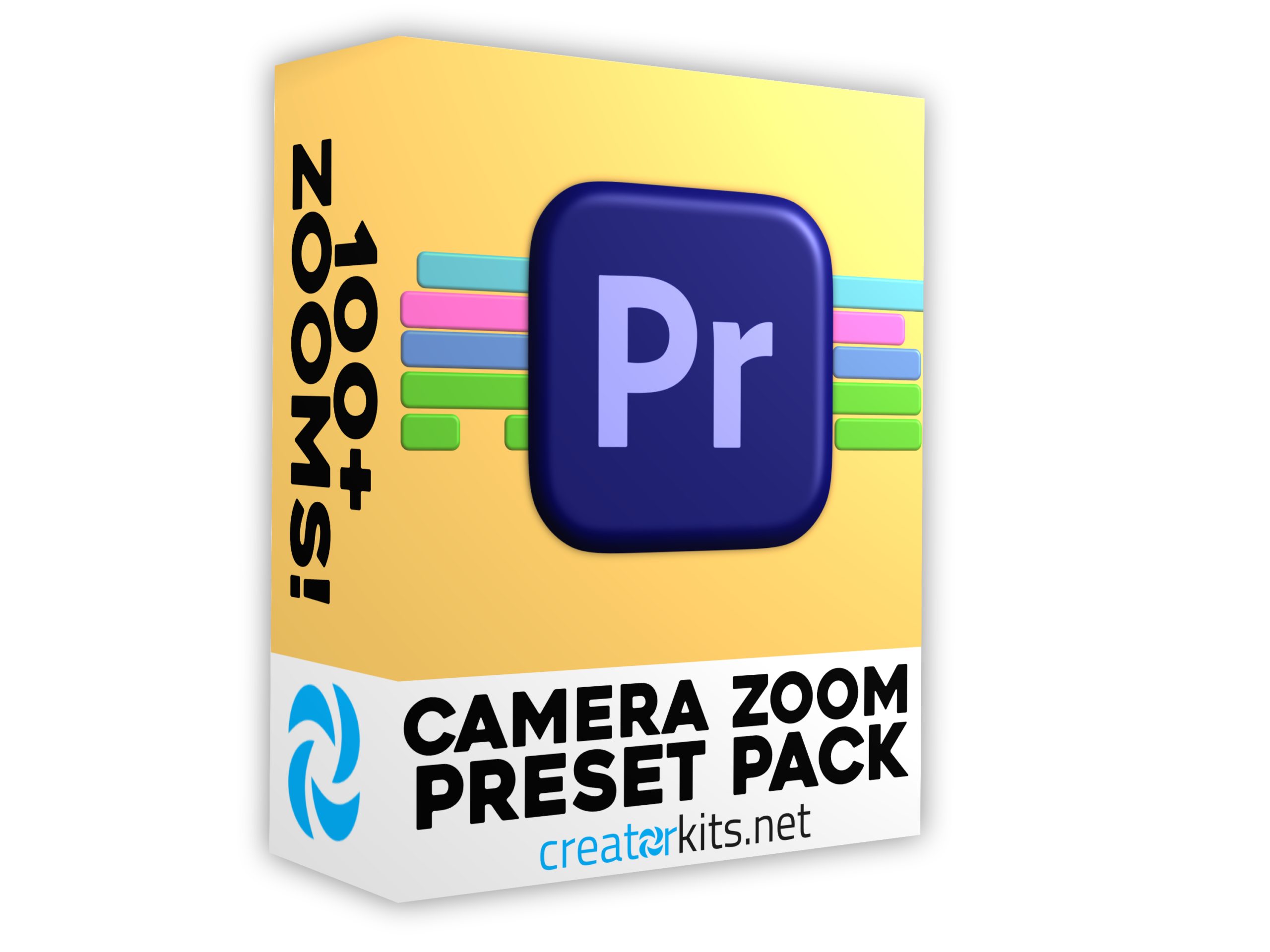
Camera Zoom Preset Pack for Premiere Pro
Add dynamic camera movement to your videos with this zoom preset pack designed for Premiere Pro. We've loaded this pack with multiple zoom styles that bring life and energy to your footage. If you're tired of static shots or want to emphasize important moments in your gameplay or commentary, these zooms do exactly that. They're smooth, professional-looking, and built to integrate seamlessly into your Premiere Pro timeline without any hassle.
The variety here is what sets this pack apart. You've got different zoom styles to choose from depending on what your video needs, whether that's quick snap zooms for reaction moments or slower pushes for dramatic effect. Everything works with simple drag-and-drop functionality, so you're not wasting time on setup. Just select the zoom you want, apply it to your clip, and you're done. No need to hunt through tutorials or figure out complex settings, these presets are ready to use immediately.
Installation is quick and your download includes everything you need to start using these zooms right away. Perfect for content creators and video editors looking to add compelling camera movement to their YouTube videos. Thank you for choosing our presets. Happy editing!
What's Included?
How To Install:
- Download your presets from your confirmation email, then unzip your .ZIP file. Make sure you save your .PRFPSET file in a safe location on your computer.
- Open Premiere Pro and open a new project, then find the effects tab. If you can’t find the effects tab, click ‘Window’, then enable ‘Effects’.
- In the effects tab, right-click on the "Presets" tab. You will see the option to "Import Presets".
- Click ‘Import Presets’ and find the location where you saved your .PRFPSET file.
- Click on the .PRFPSET file & then click "Open". You should now see your presets in the preset folder in Premiere Pro.