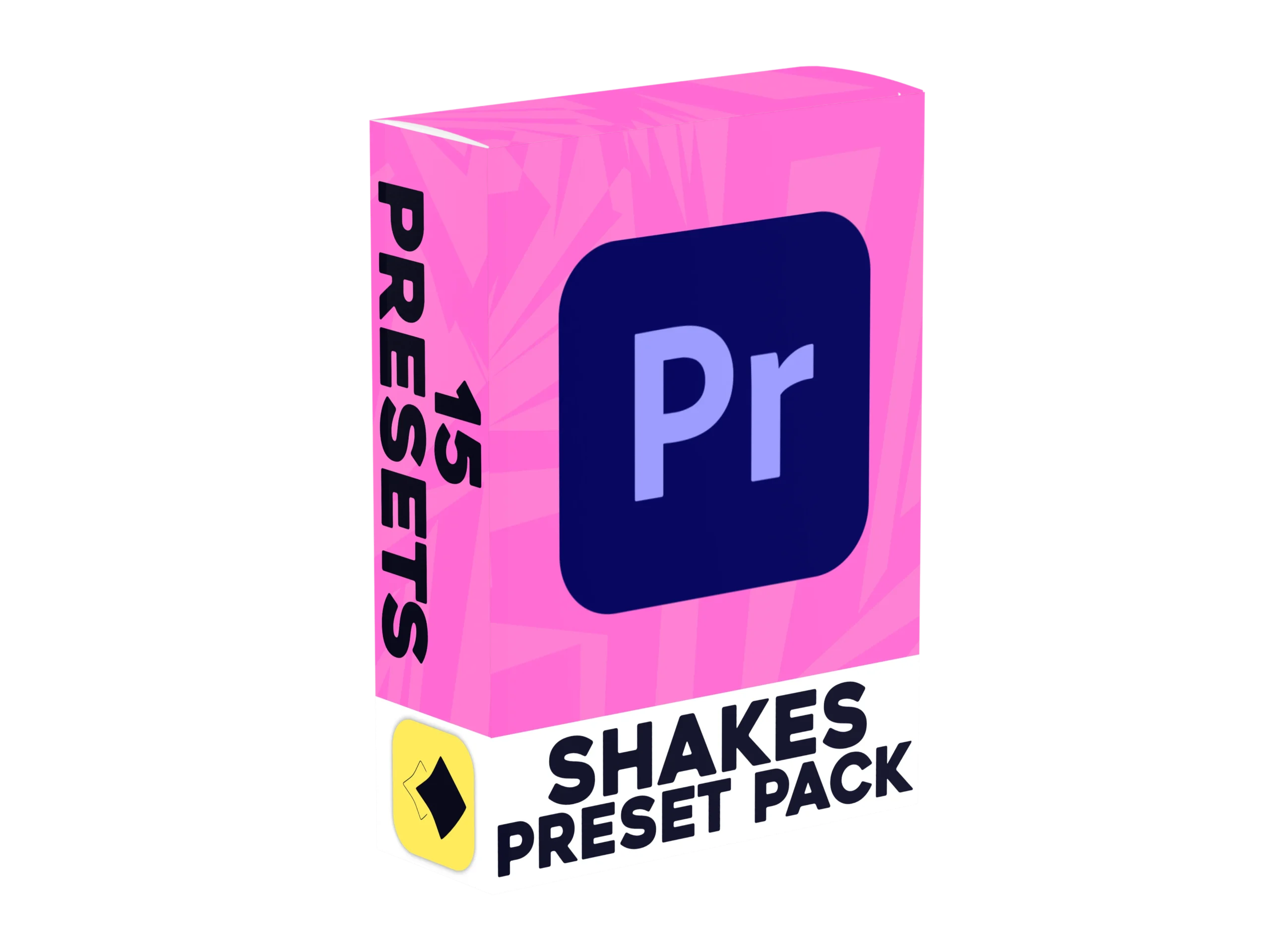
Camera Shake Preset Pack for Premiere Pro
15 Premiere Pro Shake Presets to help you edit faster
Our Premiere Pro Camera Shake Presets give you a quick way to add energy and impact to your videos without keyframing every shake yourself. This Camera Shakes Pack includes 15 Premiere Pro presets, covering smooth shakes, little shakes, medium shakes, big shakes and earthquake shakes, with three presets in each type. That means you can pick the right strength for hits, reveals and big moments instead of using the same shake every time. Every preset is built specifically for Premiere Pro and ready to use as soon as you import it.
Setup could not be simpler. All you have to do is watch the video to learn how to import these into Premiere Pro, then find the folder in your Effects panel so you can drag & drop a shake onto your clip. It's just as simple as that. There are no complicated menus and no building camera shakes from scratch, which saves you hours on every edit. Whether you are cutting YouTube videos or client work, this Premiere Pro Camera Shakes Pack is built for every creator's needs.
(A)
How To Install
(p)
Some of our presets
01
Smooth Shakes
3 Different smooth shakes to emulate a handheld camera motion while standing still
04
Big Shakes
3 Different big shakes to help showcase someone raging or just angry emotions
02
Little Shakes
3 Different little shakes to emulate a camera shake when walking
05
Earthquake Shakes
3 Different earthquake shakes to emulate natural disasters that can happen or huge explosions
03
Medium Shakes
3 Different medium shakes to emulate a camera shake when someone is jogging or screaming
06
Variations
Each preset comes with different variations with zoom, rotation and more erratic motion
Built for Premiere Pro
15 Presets, One Pack. Nothing to remake.
Camera shakes are one of the easiest ways to add impact to a video. This pack gives you five types to choose from, so you can match the shake to the moment.
TOTAL PRESETS
15
SOFTWARE
Premiere Pro
FILETYPE
.PRFPSET
UPDATES
Lifetime
SUPPORT
Lifetime
Instant dowload
(E)
Before you buy
Everything people ask us before purchasing our products