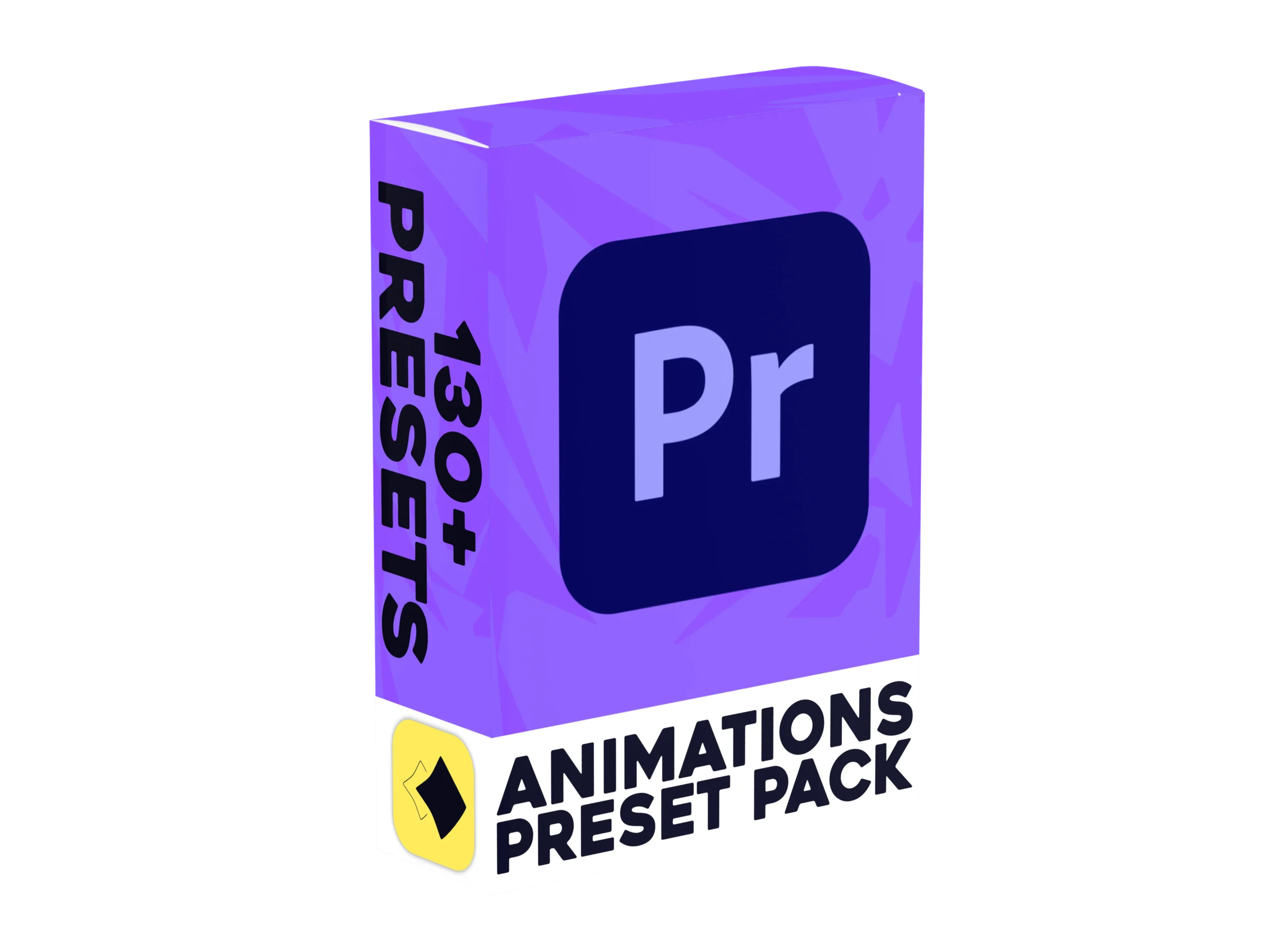
Animation Preset Pack for Premiere Pro
130+ Premiere Pro Animation Presets to help you edit faster
Our DaVinci Resolve Animation Presets give you a quick way to bring your PNGs to life without keyframing everything yourself. This Animation Preset Pack includes over 130 DaVinci Resolve presets, covering PNG slides, walk cycles, bounces, nudges and movements that just work. Every preset is built specifically for DaVinci Resolve and works with both the free version and Studio, so you are covered whichever one you use.
Setup could not be simpler. All you have to do is watch the video to learn how to import these into DaVinci Resolve, then find the folder in your effects library so you can drag & drop it onto your timeline. It's just as simple as that. There are no complicated menus and no building animations from scratch, which saves you hours on every edit. Whether you are cutting YouTube videos or client work, this DaVinci Resolve Animation Preset Pack is built for every creator's needs.
(A)
How To Install
(p)
Some of our features
01
Slide Ins
4 different slide categories and 11 different slide types to add a new flare to your video.
04
Nudges
8 different directional presets to highlight what you're talking about on screen
07
Camera Animations
Add a cinematic feel or a smooth camera shake to give your video that bit extra.
02
Slide Outs
4 different slide categories and 10 different slide types to ease your video
05
Animated Movement
Add cool animations for PNGs or Characters on screen. Like backflips and walk cycles.
08
QOL Features
Our QOL features allow you to not need to use fusion clips, keeping it all drag and drop.
03
Directional Moves
Move a PNG, Character or video on screen a certain direction
06
Character Transitions
Built to make transitioning between PNG characters easier, faster and smoother.
09
Lightweight
These animations are all built with default DaVinci tools. Meaning the stress on your system is minimal.
Built for Premiere Pro
130+ Presets, One Pack. Nothing to remake.
Animation is one of the easiest ways to stop a video feeling flat. With over 130 presets, you can keep every upload feeling fresh.
TOTAL PRESETS
130+
SOFTWARE
Premiere Pro
FILETYPE
.PRFPSET
UPDATES
Lifetime
SUPPORT
Lifetime
Instant dowload
(E)
Before you buy
Everything people ask us before purchasing our products