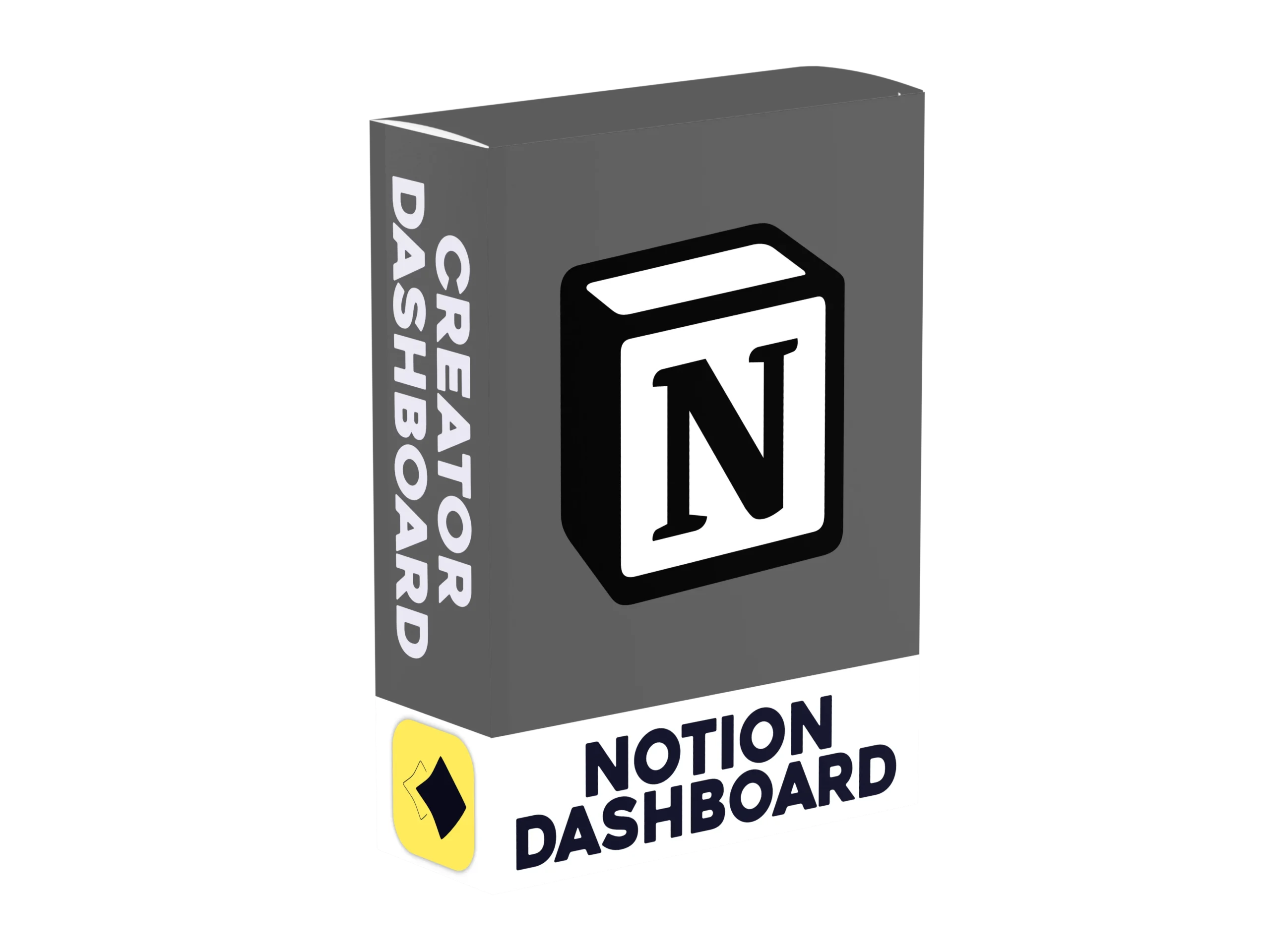
Creator Dashboard for Notion
The complete notion dashboard for all content creators
Our Notion Creator Dashboard gives you one place to plan, schedule and keep track of everything you do as a content creator. This Notion Creator Dashboard template includes an in depth content planner with a linked calendar, so you can plan your ideas and upload on a schedule instead of winging it. You also get three defined templates ready to use, plus sections to manage your sponsors, the games you play and the people you collab with. On top of that there are dashboards for every platform you use and a page of useful resource links, and everything links back into your content planner so nothing gets lost.
Setup could not be simpler. This template is made for Notion and Notion only, so it is not compatible with other apps. Just click the button to preview the design, hit the duplicate icon in the top right and pick the workspace you want it in. It’s just as simple as that. There is nothing to build from scratch and no complicated setup, so you can start planning your next video straight away. You can also watch the video to see how to duplicate it into your notion workspace.
(A)
How To Install
(p)
Some of the features
01
Content Planner
Plan all of your content seamlessly in a content planner designed for the creator & the viewer
04
Templates
3 Different templates designed around Long form, Short form & livestreamed content
02
Linked Categories
All of our categories are linked together, letting you plan videos easier
05
Video Insight
Understand what you want a video to achieve and your viewer to understand while planning your content
03
Linked Calendar
Stay on track with what you're creating and when to upload with a calendar that links to your videos
06
All-In-One
This dashboards has links to every dashboard a creator would need
Built for Notion
The dashboard to push your creative journey forward
A clear plan makes it much easier to stay consistent. With everything linked together, you can see what to post next at a glance.
SOFTWARE
Notion
FILETYPE
UPDATES
Lifetime
SUPPORT
Lifetime
Instant dowload